
The problem
Screenshots after login are painful to automate
Public URL screenshot tools stop at the login wall. To capture what a real logged-in user sees, teams end up building and maintaining an entire browser pipeline themselves, and every piece is a source of bugs, cost, and compliance risk.
- Running Chromium workers at scale
- Generating safe capture URLs
- Handling flaky timeouts & waits
- Storing and serving artifacts
- Redacting PII before it leaks
- Generating pixel-perfect PDFs
The solution
One API call. Real browser state. Production-ready captures.
No browser infrastructure to run — just one POST request.
Step 01: Send a scoped capture URL
POST /captures with a short-lived URL generated by your backend, plus output settings and optional actions.
Step 02: Run browser actions
An isolated browser loads the real session, then waits, clicks, types, and scrolls to the exact screen.
Step 03: Redact sensitive data
Selector-based redaction masks emails, billing, and any element server-side before the capture is taken.
Step 04: Receive a signed URL
Get back a hosted screenshot or PDF through a short-lived signed link, ready to drop into your workflow.
Ready to get started?
Simple, capture-based plans - see what works for your Project.
How it works
One Project per product. One path to a result.
In the dashboard, everything hangs off one object: a Project. Create a Project for each product, customer portal, dashboard, or report area you capture - its domains, API keys, and Capture Logs live inside it.
- Project
- Domain
- API Key
- Capture Log
- Result
Create a capture request
Send a single POST /captures call with the URL, auth state, actions and output format.
SessionShot opens an isolated browser
A fresh, sandboxed Chromium session loads your page with the injected credentials.
Actions and redaction run safely
Your action sequence executes, then redaction masks sensitive data before capture.
Receive a signed screenshot or PDF URL
Poll the status endpoint, then open a short-lived signed result URL when the job completes.
Use cases
Built for the screens behind your login
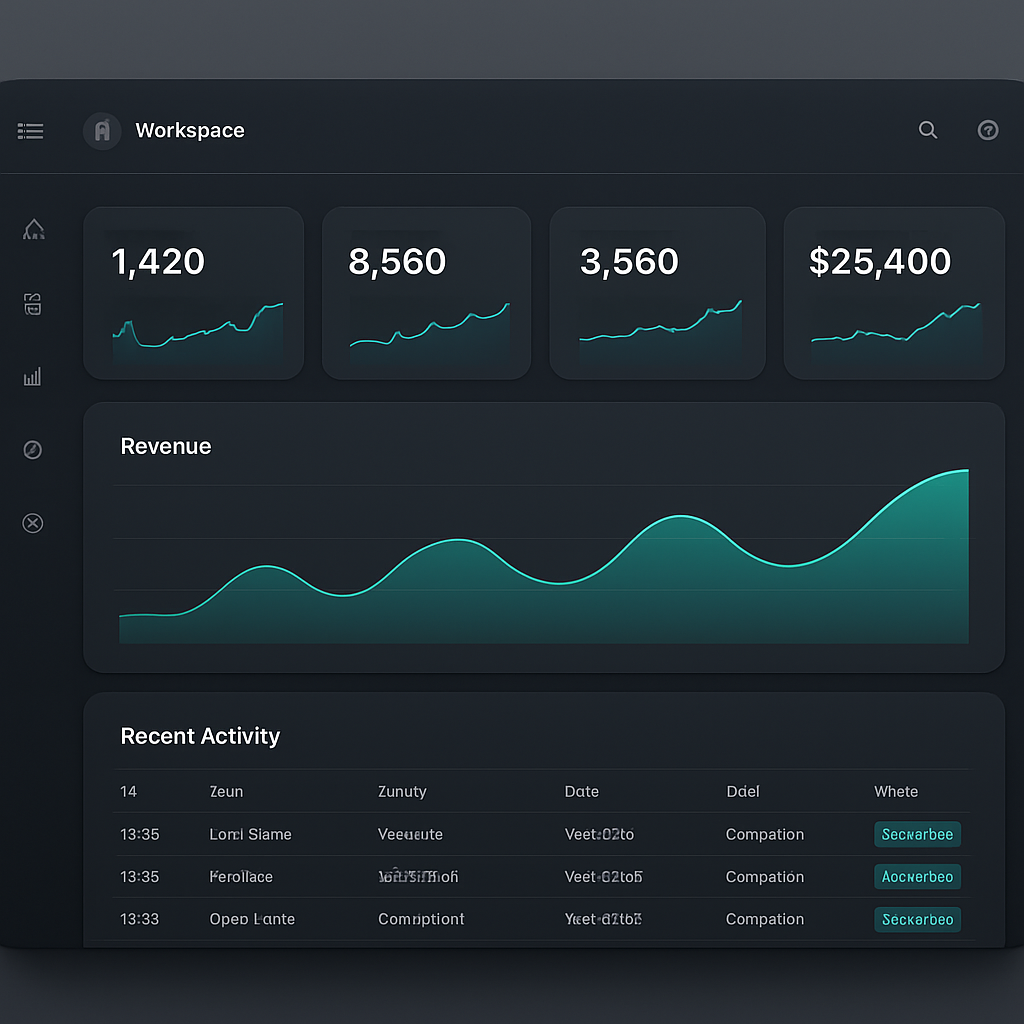
Support, reporting, QA, and operations workflows all need the same thing: a faithful picture of what a logged-in user actually sees.
Customer support snapshots
Reproduce a customer's exact logged-in screen for a ticket, safely, with PII redacted automatically.
Bug reports with real app state
Attach a pixel-perfect capture of the actual broken view, including the data and state that triggered it.
Scheduled dashboard exports
Call the API from your own cron to deliver up-to-date dashboard images on a recurring basis.
Authenticated report PDFs
Generate faithful, paginated PDFs of invoices and reports exactly as your users see them.
const capture = await sessionshot.captures.create({
  url: "https://app.example.com/reports/123/capture?token=short_lived",
  actions: [
    { type: "waitForSelector", selector: "[data-ready]" },
    { type: "click", selector: "#reports-tab" }
  ],
  redact: {
    selectors: [".email", ".billing-info", "[data-private]"]
  },
  output: {
    type: "screenshot",
    fullPage: true
  }
})

console.log(capture.url) // signed screenshot URL
The API
A single, predictable endpoint
POST /captures takes a URL, optional browser actions, redaction rules, and your output format. For authenticated pages, generate a short-lived capture URL from your backend.
- Use short-lived capture URLs generated by your backend
- Advanced auth modes can pass temporary cookies, headers, or storage
- Chain waitForSelector, click, type and scroll actions
- Selector-based redaction runs server-side, pre-capture
Security & trust
Built for authenticated pages
Sending logged-in state to a third party is a serious decision. Every default is designed so you can do it with confidence.
Domain allowlists
Restrict captures to the domains you explicitly approve per Project.
Short-lived signed URLs
Every artifact is served through expiring, signed links by default.
Selector-based redaction
Mask sensitive elements server-side before anything is stored.
Result lifecycle controls
Keep capture records while managing stored screenshot and PDF result files.
No plaintext credential retention
Temporary credential payloads are encrypted for the capture job and are not displayed in the dashboard.
Webhooks planned
Use polling today. Signed webhook delivery is planned, but not live yet.
Pricing
Simple, capture-based plans
Free access is open now. Starter and Pro self-serve paid plans are coming soon, and Business/custom limits are available by contact.
Free
For building your first authenticated capture workflow.
Try for freeNo credit card required
250 Capture Logs / mo
- Screenshots & PDFs
- Selector-based redaction
- 3 active allowed domains
- 14-day result retention
Starter
For a small team shipping captures to production.
Coming soonSelf-serve paid plans are coming soon
500 Capture Logs / mo
- Everything in Free
- 5 active allowed domains
- 5 active API keys
- 14-day result retention
Pro
For teams capturing multiple products at scale.
Coming soonSelf-serve paid plans are coming soon
5,000 Capture Logs / mo
- Everything in Starter
- 25 active allowed domains
- 20 active API keys
- 30-day result retention
Business
For high-volume capture and compliance needs.
Contact usContact us for custom limits
Custom capture volume
- Everything in Pro
- Custom domains and keys
- Custom retention windows
- Dedicated support
Full plan details, FAQ, and policies are on the pricing page. Paddle billing infrastructure is ready, but public paid checkout is not open yet.
FAQ
Frequently asked questions
No. SessionShot is built for capturing your own authenticated apps, or apps you have explicit permission to access. Domain allowlists, clear terms of service, and SSRF protections keep it that way.
Yes. The recommended pattern is to generate a short-lived, scoped capture URL from your backend. Advanced modes can pass temporary auth fields when needed.
Redaction runs server-side before any artifact is stored. You can mask elements by CSS selector or the data-private attribute, and credentials are never written to disk or logs.
Yes. The same capture request can return a faithful, paginated PDF instead of an image, with print backgrounds and page formatting preserved.
No. There is no Chromium to run, no workers to scale, and no auth state to babysit. You make one API call and receive a hosted, signed artifact.
Absolutely. Reproducing a customer's exact screen for a ticket, or attaching the real broken state to a bug report, is one of the most common use cases.
Live Free
Stop maintaining screenshot infrastructure
Capture authenticated product screens and PDFs from real browser sessions that are secure, repeatable, and ready in an afternoon.